
July 27, 2025
Cider 2.0.2
Bug fixes and improvements to Mavericks layout, Immersive, and search functionality
- Mavericks Layout Fixes
- Smooth Immersive Transitions
- Enhanced Search Widget
- System Tray Support
- Smart Playlist Management
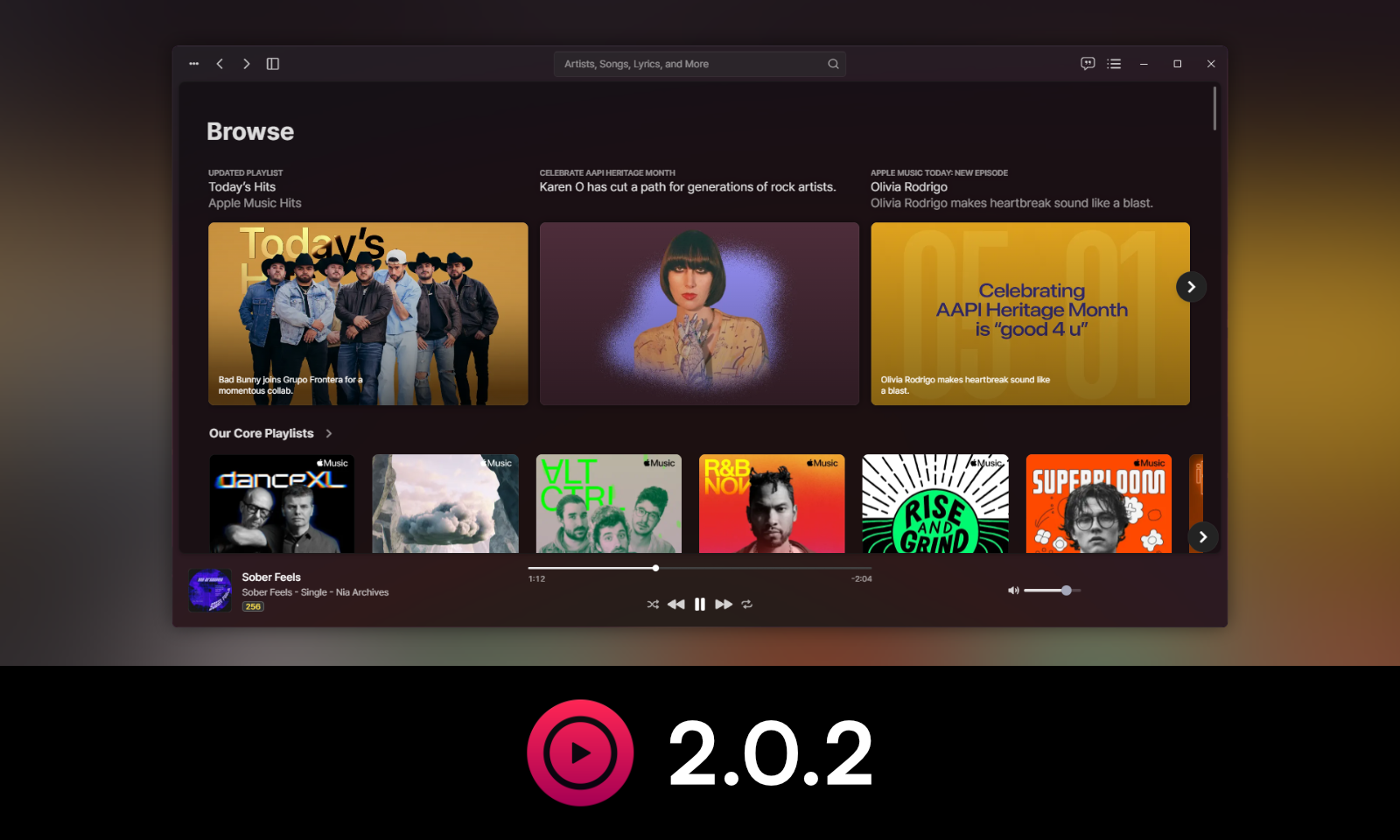
Cider 2.0.2
Note: This update should be available later today or tomorrow from the Microsoft Store
This update focuses on bug fixes and small but much needed improvements to enhance the overall user experience.
Layout Improvements
Mavericks Layout Fixes
- - **Fixed Drag Regions**: Resolved issues with drag regions in Mavericks layout-
- Search Bar Adjustment: Search bar has been adjusted to better fit the available space
- Better Integration: Improved overall layout consistency and usability
Visual & Interface Enhancements
Immersive Background
-
Smooth Transitions: Immersive background now smoothly transitions between artworks
Better Performance: Improved rendering and transition performance
Visual Continuity: Enhanced visual flow when switching between tracks
Lyric Improvements
- - **Better Positioning**: Adjusted lyric positioning in both sidebar and Immersive modes-
- Custom Timing: Added Settings > Visual > Lyrics > Lyric Timing Offset (Seconds) for custom time delay
- Improved Readability: Enhanced lyric display for better user experience
Search Widget Enhancements
The search widget has received several important improvements:
-
Keyboard Navigation: Arrow keys can now move selection up and down through search results
Quick Playback: Enter key will play the selected item directly
Context Menus: Items now have context menus available for additional actions
Better Usability: Overall improved interaction model for faster music discovery
Playlist Management
Smart Duplicate Detection
-
Duplicate Checking: Add To Playlist now checks for existing duplicates
User Prompt: Prompts user whether or not to add duplicate tracks
Better Organization: Helps maintain cleaner, more organized playlists
Platform Features
Windows Enhancements
- - **System Tray Icon**: Added System Tray icon for Windows users-
- Quick Access: Provides convenient access to Cider from the system tray
- Background Operation: Better support for running Cider in the background
Bug Fixes
- Fixed various drag region issues in Mavericks layout
- Resolved lyric positioning problems in different view modes
- Improved search widget responsiveness and functionality
- Enhanced playlist management reliability
- General stability and performance improvements
This release demonstrates our commitment to polishing the existing feature set and addressing user feedback to provide a more refined and reliable experience.